Dungeon template
START WITH THE BIG PICTURE
What does this part of Epok do?
The Dungeon starter combines procedural level generation with a playable example.
- 01Create a Dungeon project
- 02Choose a style and recipe
- 03Generate and test a level
What is happening under the hood?
- Recipes control rooms, branches, locks and other layout rules.
- Generated content and gameplay still have bounded console budgets.
- Dungeon Complete is a separate finished action-game template.
Field note: Keep the seed when reporting a generation issue so the same layout can be reproduced.
Choose New project > Dungeon in the Hub, or use:
cargo run --locked -- --create-project "D:/Games/Dungeon" --template dungeon
cargo run --locked -- --create-project "D:/Games/Dungeon" --template dungeon --gameplay lua
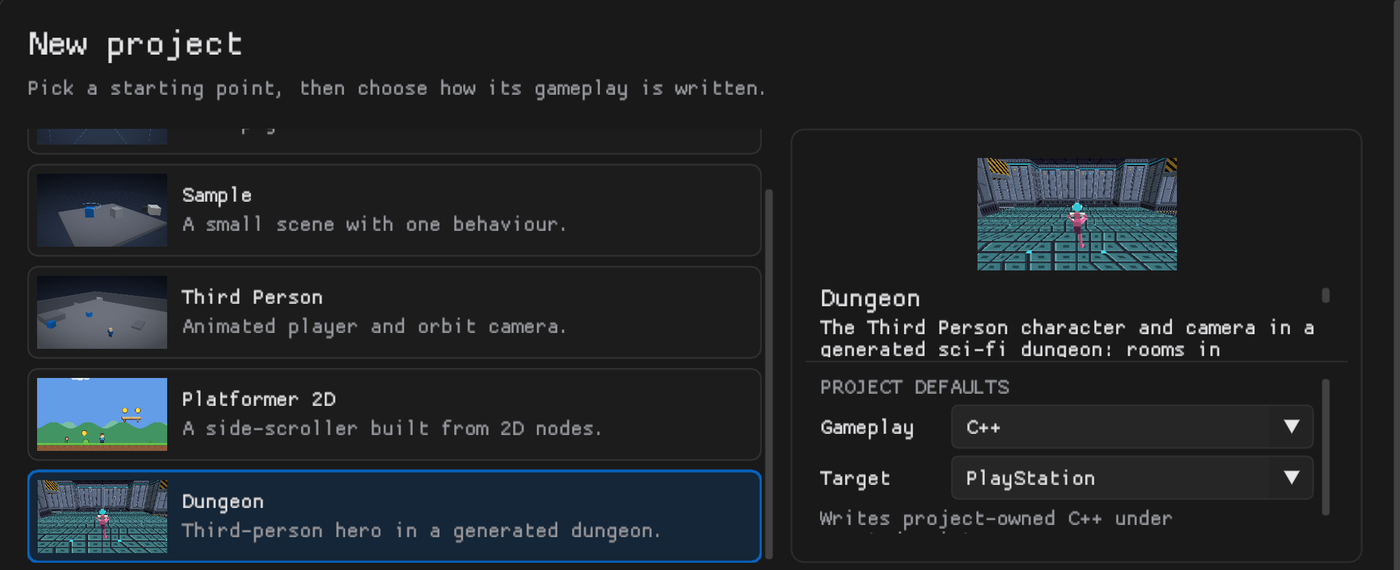
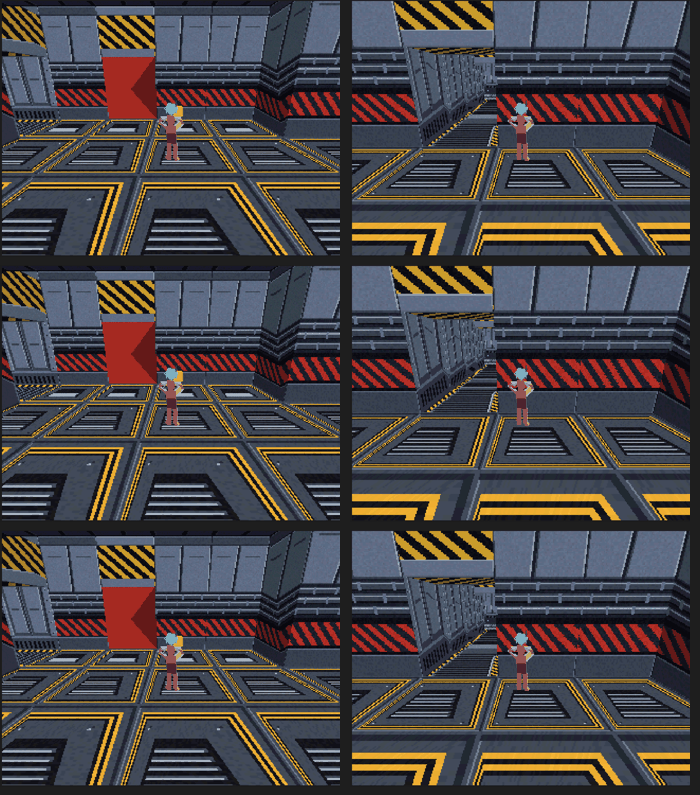
The project starts with the Third Person character and orbit camera in a dungeon made by the Dungeon Generator: the project's recipe (the built-in route: a main path to the goal, cave branches with treasure, a loop, one-way shortcuts, rooms on three floor levels and a locked door whose key waits on a branch; plus one handmade room on the loop) dressed in the built-in sci-fi style (rooms in three floor and wall finishes, columns along the walls, a ceiling, everything sized to the character). Lighting is baked when the project is created, so Play works straight away.

Playing
- Left stick or WASD moves relative to the camera, the right stick or mouse orbits it, Cross or K jumps.
- The dungeon climbs: corridors between rooms on different levels hold flights of stairs, walked up and down like any floor.
- One room of the loop is the Reactor, a handmade room: a core under a cyan light, four consoles and doorways on every side, turned to meet its corridors.
- The character starts in the spawn room. Walk into the gold key to pick it up: the red door it opens disappears, wherever it is. Only the character picks keys up: the generator's Player is set to it, and each key names it.
Making it yours
Select Dungeon in the Hierarchy; its Dungeon Generator band is in the Inspector.
- New seed builds another dungeon from the same recipe and style. Generate rebuilds after any change. Both are one undo step.
- Test seeds... measures hundreds of seeds against the console's budget before you pick one; the template's recipe stays within it on every seed tried, at up to about 3,400 of the 3,500 quads.
- Press New beside Recipe for an editable copy of the route: longer paths, more branches, more keys and locks, caves on other paths.
- Press New beside Style for an editable copy of the look: add meshes, lights or your own actors on any spot, change the texture variants and columns.
- Build rooms of your own: the Reactor is built in
assets/Dungeons/Rooms/Workbench.epokmap. Open it, change the room under the Reactor actor and press Update from selection in its Dungeon Room editor, or build another room beside it and save it with GameObject > Save Selection as Dungeon Room.... The recipe (assets/Dungeons/Recipes/Dungeon.epokasset) makes one loop room from the Reactor; its Handmade rooms step takes more rooms, more paths or a higher At most. - Open Minimap in the band and tick it for a map in the corner of the screen that fills in as the character explores (about 9 KB of the console's RAM). See Minimap.
- The band's meter shows the console budget the map will use (actors, quads, collision, navigation). The template leaves room to grow: about 1.9 MiB of the console's 2 MiB of RAM are used (C++ 1.89 MiB, Lua 1.91 MiB, Blueprint 1.92 MiB).
Gameplay flavors
The choice at creation decides which language the starter gameplay is written in; the project can use all three afterwards.
| Flavor | Character | Key and door |
|---|---|---|
| C++ (recommended) | assets/scripts/ThirdPersonController.hpp |
assets/scripts/DungeonKey.hpp, DungeonDoor.hpp |
| Blueprint | assets/Blueprints/ThirdPersonController.epokbp |
assets/Blueprints/DungeonKey.epokbp, DungeonDoor.epokbp |
| Lua | assets/scripts/ThirdPersonController.lua |
assets/scripts/DungeonKey.lua, DungeonDoor.lua |
Fresh projects share PickupComponent and DoorComponent in all three languages.
The key's accepted_initiator names the player and auto_collect enables pickup
on entering its trigger. collected_flag names a GameplayFlagComponent on the key;
the project's collected callback hides the actor after ownership is committed.
The door's requirement_flag reads that same component, independently of the key's
visibility. Its project tick requests opening and calls the parent tick to apply
the state/collider transition; door_changed implements the visual result.
The generated lock_id property stores the recipe lock number. Its name avoids
colliding with the shared door's lock() operation. Collider references and
key-state component identities are explicit. Template roles key, door and
key_state select the classes by UUID and survive renaming or compatible
replacement.
Existing project sources are preserved, including unchanged older versions.
Their legacy lock/player/key contract remains supported during regeneration;
placing a helper does not implicitly migrate code and saved properties. New
class installation also preserves existing Lua class identities.
C++ is the default; Blueprint provides editable visual graphs and Lua provides editable scripts. The generator consumes the project's recorded class roles.